Donate with Arbitrum on POTLOCK
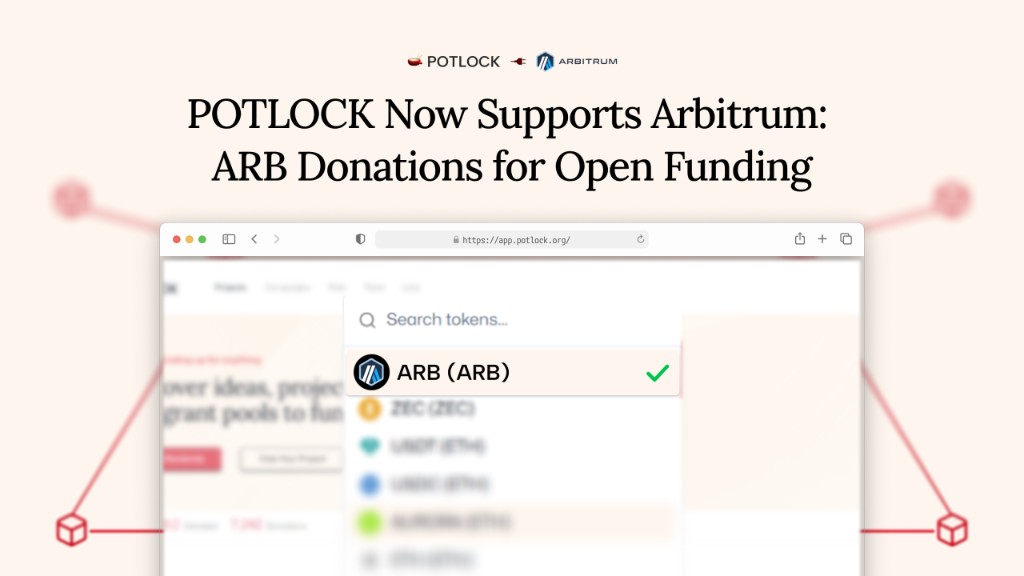
Donate on Arbitrum (Layer 2 on Ethereum) to campaigns on POTLOCK. Select Arbitrum from the chain dropdown, enter your amount in ARB or supported tokens, pay via the QR code, and get on-chain confirmation.

About Arbitrum: Ethereum Layer 2 rollup for fast, low-cost transactions. Official website: arbitrum.io.
Steps
- Choose a campaign — Go to app.potlock.org and open the campaign you want to support.
- Click Donate — On the campaign page, click Donate.
- Select Arbitrum — In the donation flow, open the chain/network dropdown and select Arbitrum.
- Choose an amount — Enter the amount in ARB or the supported token.
- Pay with the QR code — A QR code appears; scan it with your wallet or use the wallet’s send flow to pay the exact amount.
- Confirmation — You receive confirmation on Arbitrum. Verify on Arbiscan or in your wallet.
See also
- Donate by supported chain (all chains) — Index of every supported network
- Donate to a project — Direct project donations